Your Files Secured Before Disaster Strikes
Data backup solutions in Freeport using local storage, cloud services, or both
Hard drives fail without warning, and accidental deletions happen more often than most people expect. If you're in Freeport and rely on your computer for work documents, photos, or business records, a backup system protects those files before something goes wrong.Computer Repair & TV Install of North West Florida sets up reliable backup solutions using local external drives, cloud storage services, or a combination of both methods for redundancy.
Backup systems are tailored to match your storage needs and how frequently your data changes. We configure automated backup schedules so files are copied regularly without requiring you to remember or trigger the process manually. Each system is tested to verify that data can be restored when needed, ensuring the backup isn't just running but actually working.
If you need dependable data backup in Freeport to secure your important files, reach out to discuss your storage needs and schedule setup.
Why Locals Choose This Option
When you schedule data backup setup, we start by identifying what files need protection and how much storage capacity you'll require. We recommend backup methods based on your usage patterns, whether that's a local external drive for fast restores, a cloud service for offsite protection, or both for maximum security. Most setups in Freeport are completed during a single visit.
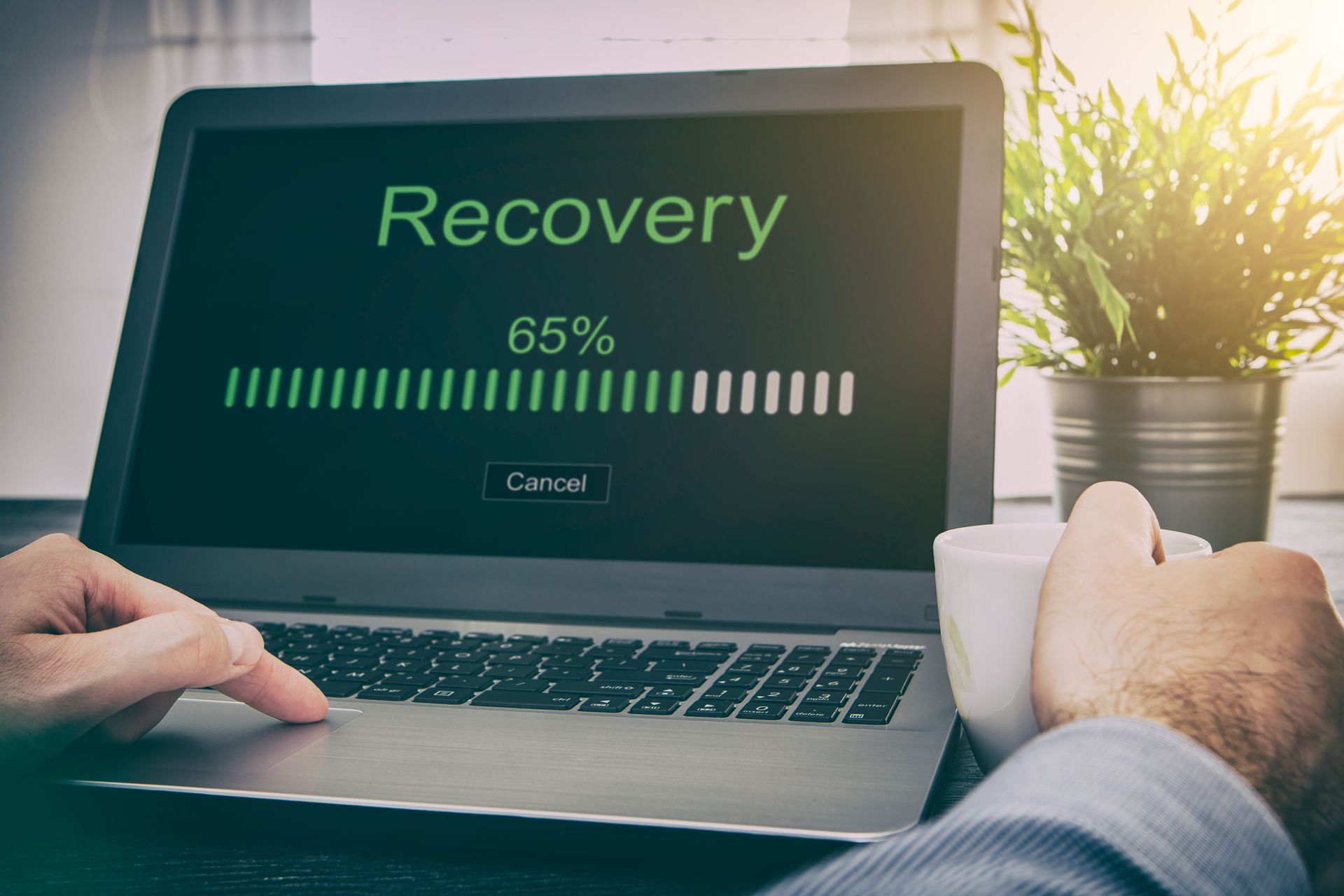
After installation, you'll notice the backup runs quietly in the background at scheduled intervals, copying new or changed files without interrupting your work. Computer Repair & TV Install of North West Florida configures the backup software to alert you if a backup fails or if storage space runs low. You'll have peace of mind knowing your photos, documents, and business files are protected even if your primary hard drive fails.
We also provide guidance on how to restore files if you accidentally delete something or need to recover from a hardware failure. This service does not include ongoing cloud storage subscription fees, which are billed separately by the provider. If you already have a backup system that isn't working correctly, we can troubleshoot and repair the existing setup rather than starting from scratch.
How Our Process Works
Data backup setups involve decisions about storage location, backup frequency, and how to handle large file libraries. These questions address the practical concerns most clients have before committing to a backup solution.
A working backup system is the only reliable protection against data loss from hardware failure, accidental deletion, or malware attacks. If you're ready to secure your files with a professional backup solution, contact us to discuss your needs and we'll configure a system that fits your storage requirements and budget.